In this guide
Renters are treated as an afterthought by most of this industry, which is odd given how much of it is genuinely renter-friendly. The constraint is not technical — it is that you must be able to remove everything and leave no trace.
Work within that and you can have security, lighting, climate control and window treatments in a flat you do not own.
Read three clauses in your lease first
Five minutes, and it prevents every common problem.
Alterations. Almost all tenancies prohibit drilling and permanent fixings. Everything recommended below is adhesive, plug-in or retrofit — but confirm the wording.
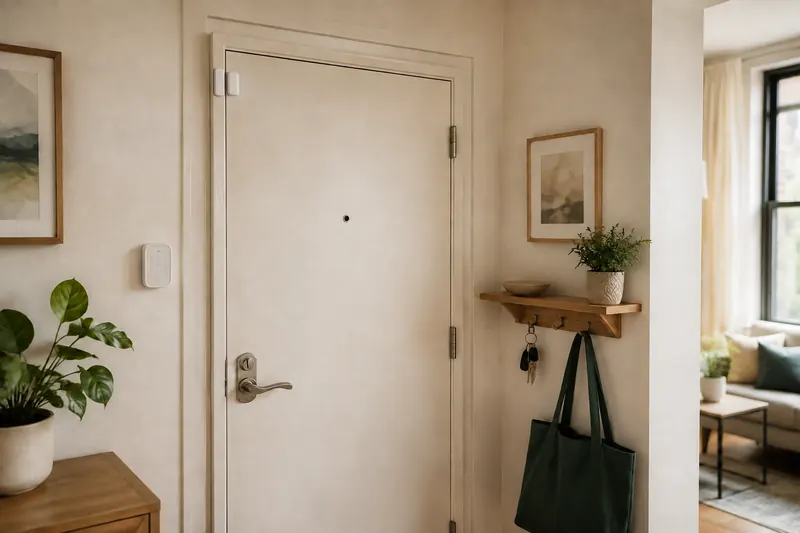
Locks. Many agreements require the landlord to keep a working key. This is exactly why a retrofit smart lock works and a replacement deadbolt does not.
Cameras and shared space. Filming corridors, stairwells or shared entrances is frequently prohibited, and in some places creates data-protection obligations. Point cameras at your own door and your own space.
Security: adhesive sensors and retrofit locks
The alarm. SimpliSafe is the standard answer — adhesive sensors, no drilling, month-to-month monitoring that suits an uncertain tenancy, and it packs into a box when you move. A one or two-bedroom flat typically needs an entry sensor on the front door, a motion sensor for the hallway, and the base station.
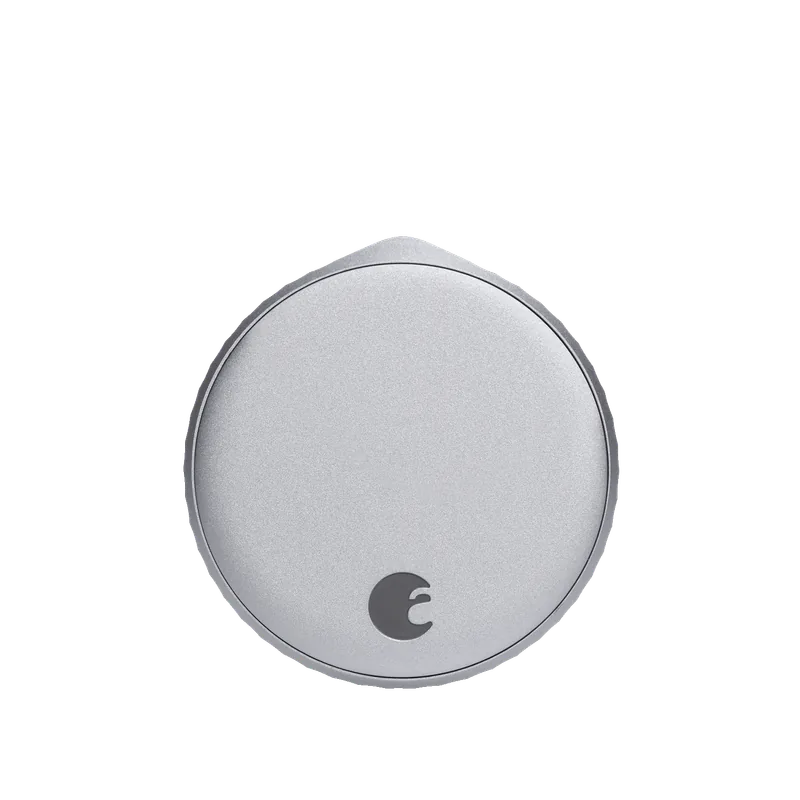
The lock. August fits inside your existing deadbolt. Nothing changes outside, your keys still work, and the landlord’s key still works — which is usually the clause that matters.
The doorbell. A battery model on a no-drill adhesive or clamp mount. Ring’s battery doorbell is the most common choice and works without touching the building’s wiring.
Cameras. Battery cameras placed on shelves or windowsills, or adhesive mounts. Point them at your own space.
Lighting: bulbs and plugs, never switches
Smart switches require rewiring and are out of the question in a rental. Smart bulbs and plugs require nothing.
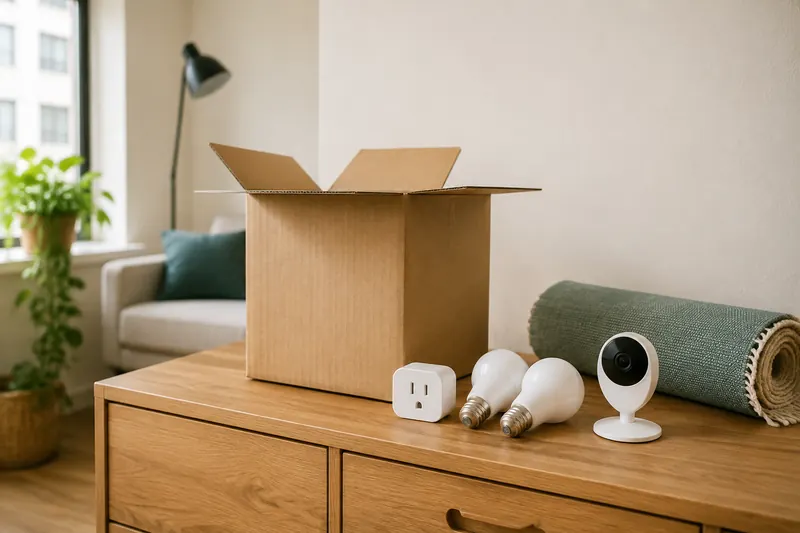
Smart bulbs screw into existing fittings. Philips Hue is the most capable; cheaper Wi-Fi bulbs work fine for simple on/off and dimming. Take them with you and put the originals back.
Smart plugs handle lamps, fans and anything with a physical switch left in the on position. The cheapest useful smart home upgrade there is.
Climate and window treatments
Thermostats are usually out. Replacing a thermostat is an alteration to the building’s HVAC, and in many rentals you do not control heating at all. If you have your own system and the landlord agrees, keep the original thermostat and refit it when you leave.
Portable alternatives work well. A smart plug on a portable heater or a window air-conditioning unit gives you scheduling and remote control with no modification whatsoever.
Motorised blinds are surprisingly renter-friendly. A retrofit motor such as SwitchBot clips onto the blinds already fitted, runs on a rechargeable battery, and removes without a trace. Roughly $70–$120 a window — see our smart blinds guide.
What to buy in what order
If you are starting from nothing, this sequence gives the most benefit per pound spent.
| Order | Item | Typical cost | Why this first |
|---|---|---|---|
| 1 | Smart plugs (2–3) | $20–$45 | Cheapest useful upgrade; instant scheduling |
| 2 | Video doorbell (battery) | $60–$180 | Solves parcels and covers the main entry point |
| 3 | Retrofit smart lock | $150–$280 | Keyless entry without touching the door exterior |
| 4 | Security system (adhesive) | $200–$400 | Actual intrusion detection |
| 5 | Smart bulbs | $15–$60 each | Nice, but the least essential |
| 6 | Retrofit blind motors | $70–$120 each | The upgrade people are most surprised by |
Moving out without losing your deposit
Plan the removal when you install, not on the last day.
Keep the original hardware. The bulbs you replaced, the thumb turn from the deadbolt, the manual blind wand. Put them in a labelled box on day one. Missing originals are a common deduction.
Remove adhesive properly. Warm the mount with a hairdryer for thirty seconds and it peels cleanly. Pulling cold adhesive off painted trim takes the paint with it.
Factory reset everything. Cameras, locks, hubs. Remove your account, delete access codes, and clear stored footage before the device leaves your possession.
Transfer or cancel monitoring. Month-to-month plans make this trivial, which is precisely why they suit renters.
Frequently asked questions
Can renters install a security system?
Yes. Systems like SimpliSafe use adhesive sensors with no drilling and pack up when you move. Check your lease for clauses on alterations and locks.
Can I put a smart lock on a rented door?
With a retrofit model like August, usually yes — it fits inside the existing deadbolt, so exterior hardware and the landlord’s key are unaffected. Confirm with your landlord first.
What smart home devices should renters avoid?
Anything requiring wiring: smart switches, hardwired doorbells, replacement thermostats, hardwired cameras. Also avoid cameras pointed at shared corridors.
What happens to smart bulbs when someone flips the wall switch?
They lose power and become unreachable. Fix it with an adhesive wireless button beside the switch so nobody uses the wall switch.
Will I get my deposit back?
If everything is adhesive or retrofit and you kept the original hardware, yes. Warm adhesive with a hairdryer before removal so it does not take paint with it.