In this guide
Start with a small frustration: a dark hallway, a window left open or blinds that need closing every evening. A good routine solves that problem without making the house confusing for anyone else.
The recipes below are proposed designs, not promises that every brand combination works. Confirm that your chosen platform exposes each sensor state and action. Check our ecosystem guide before buying devices for a routine.
Use a trigger, a condition and an action
The trigger starts the check: a door opens or a time arrives. The condition decides whether the routine should proceed: it is dark, someone is home or a hold is disabled. The action changes something or sends a message. This follows the structure in Home Assistant’s automation introduction.
Some platforms require additional equipment. Apple’s automation guidance calls for a home hub and compatible accessories. Use the app’s actual list of triggers and actions to confirm a recipe is possible. A device appearing in an app does not establish every automation capability.
1. Light the entry when a door opens after dark
Trigger: the entry-door contact changes to open. Conditions: it is after sunset, the entry light is off and the household has not paused this routine. Action: turn on a comfortable entry light.
For a first version, leave turning it off to the normal switch. Add an automatic off only after deciding how to handle someone unloading groceries or standing in the doorway. Keep the switch available and provide an obvious pause control.
This solves a lighting problem without treating an open contact as proof of who arrived. Start with a lamp or supported lighting control; our lighting guide explains the hardware choices.
2. Make a gentle nighttime hallway light
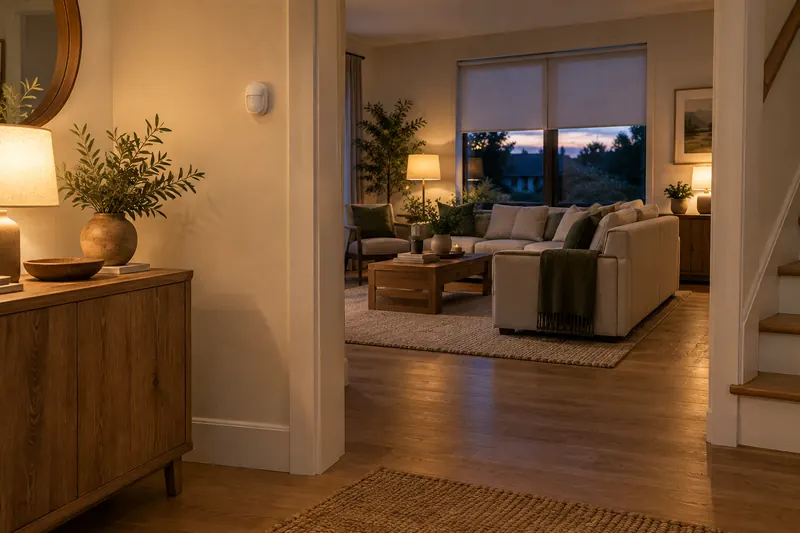
Trigger: motion is detected. Conditions: the household’s nighttime period is active and there is no manual lighting hold. Action: turn on a dim hallway light, then turn it off after an agreed period with no further detection.
Choose the timeout by observing normal movement, including slower walkers. Where supported, restart that timeout when motion returns. Immediately before delayed shutoff, recheck the manual “keep on” hold and cancel that shutoff if enabled.
Test the detection area from both directions. If the routine depends on occupancy rather than movement, choose and position the sensor for that job; the sensor guide covers the distinction.
3. Close evening shades with a household override
Trigger: your preferred evening time or sunset. Conditions: automatic privacy is enabled, the shade is available and no manual hold is active. Action: move selected shades to the chosen privacy position.
Keep a remote or wall control within reach. Give the household a “hold this room” option for entertaining or a different bedtime, and define when that hold resets. Verify the travel path and stopping position before enabling the routine.
Use only the positions your motor and integration support. Start with one window from our motorized blinds guide, then expand once the behavior is comfortable.
4. Remind someone about a window left open
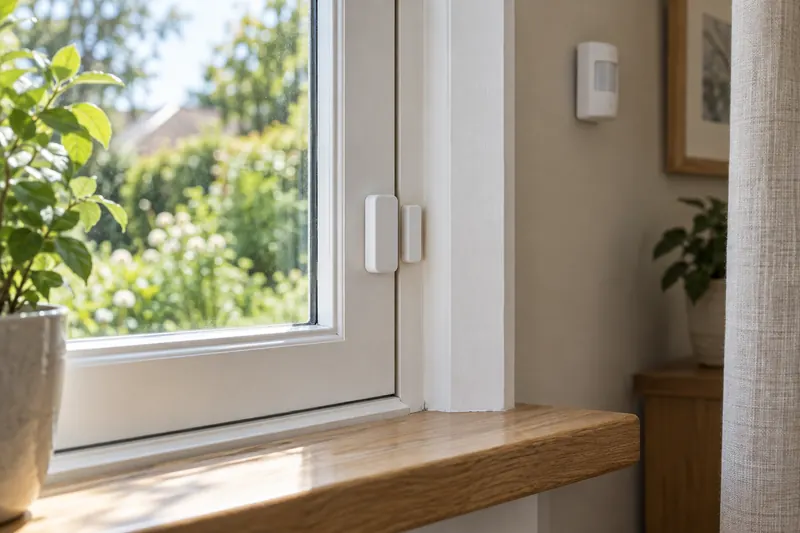
Trigger: a window remains open for your chosen interval. Conditions: it is still open and the household has not enabled a ventilation pause. Action: send one room-specific reminder.
Begin with notification only. It is easier to live with than immediately changing heating or cooling whenever someone opens a window. Include an acknowledgement or pause to prevent repeated reminders during intentional ventilation.
Conditions need checking when the action is due. Home Assistant explains that an initial condition is a snapshot, not continuous monitoring. If the routine waits, recheck the window before sending the reminder.
5. Make a leak alert specific and actionable
Trigger: the laundry-area sensor reports water. Conditions: none based on time or who is home. Action: send a message naming the sensor’s location, with a supported local audible alert where available.
Test the sensor using its manufacturer’s method and confirm the intended household members receive the alert. Add an acknowledgement process so people know someone is responding, and investigate the cause before resetting it.
This is an additional household warning, not a guaranteed damage-prevention system. If you want automatic water shutoff, have the valve, installation, control behavior and manual operation assessed separately by an appropriate professional.
6. Use an away climate setting without surprising guests
Trigger: the home changes from occupied to away. Conditions: every participating resident is away, a guest hold is off and the thermostat is available. Action: apply a modest, pre-agreed away setting using the thermostat’s supported controls.
Account for pets, guests and anyone whose phone does not participate. Provide a local hold and restore the household setting when someone returns. Avoid using one person’s departure as the whole-home signal.
Choose temperature limits suitable for the occupants, home and HVAC system. Resolve thermostat compatibility first, and do not create a second schedule that continually fights the thermostat’s own program.
Test the ordinary day and the exceptions
- Run it manually. Confirm each action controls the intended device.
- Test the real trigger. Verify the full sequence, including timing and conditions.
- Try an interruption. Use the wall control, close the window early or enable the guest hold.
- Check repeated events. Decide whether they restart, queue or are ignored. Home Assistant documents these execution modes.
- Check an unavailable device. Make sure a missed sensor or network connection does not create an unwanted action.
- Leave instructions. Name the routine clearly and show everyone how to pause it.
Keep the first routine for several normal days before adding another. Change one rule at a time so you can tell which adjustment improved it.
Sources and research scope
We checked the linked official documentation on September 13, 2026. This is a documentation-based guide; we did not conduct comparative hands-on testing or validate energy or financial savings. Read our editorial methodology.
Frequently asked questions
Do all these routines require the same brand of devices?
No, but the selected platform must support each device and expose the required triggers, conditions and actions. Check the actual integration before purchase; shared branding or a common wireless protocol alone is not enough.
What happens when the internet goes down?
It depends on where the routine runs and how its devices communicate. Check each setup’s local and cloud requirements, test its fallback and keep essential everyday controls available.
Which automation should I start with?
Choose one low-impact lighting routine in a room you use daily. Keep a normal switch or remote available and test both the intended behavior and the pause control before expanding.