Arrivals, visitors and access
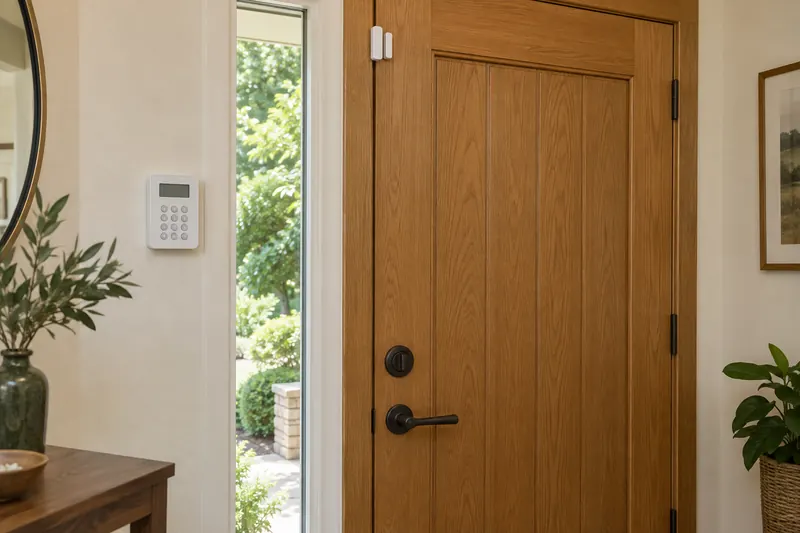
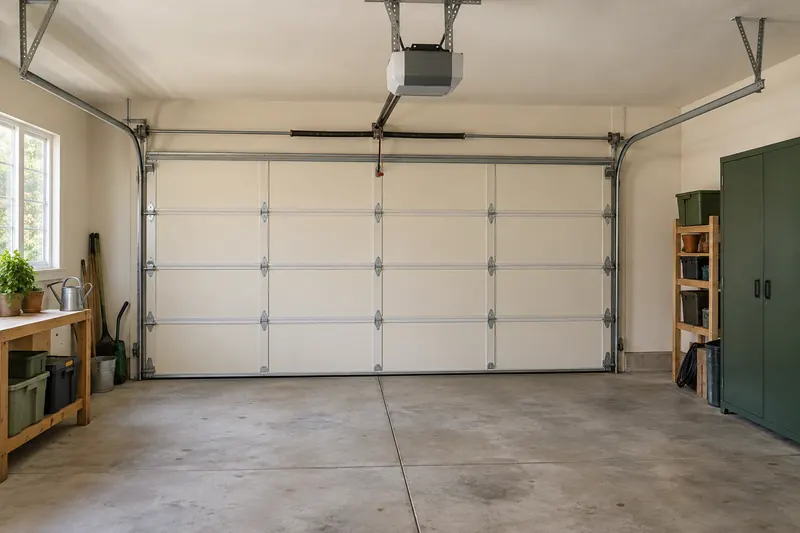
Decide whether you need a view of the entrance, an alert when something opens, control of a lock or a monitored alarm. Those lead to different devices.
Your first smart-home project
A useful smart home grows from the way you live. Choose a daily problem, plan a small setup and learn what works for your household before expanding.
Describe the change you want in an ordinary sentence. “I want to see who is at the door” is enough to start a focused project.
Decide whether you need a view of the entrance, an alert when something opens, control of a lock or a monitored alarm. Those lead to different devices.
Choose one room. Think about the switches people already use, the lamp or fixture, and whether you need color, dimming, schedules or simple control.
Identify the problem before the device: a room that feels uneven, a schedule that is hard to manage, or a window you rarely adjust. Check the physical system first.
Start with the appliance’s main job, the space available and the maintenance it needs. Decide which connected features would actually save you a step.
Make a short inventory: the phones and speakers you use, the internet and Wi-Fi available where the device will go, and any equipment already installed. For a thermostat, switch, lock or garage controller, find the exact model and fitting requirements before ordering.
Choose how people will operate it. A physical button, keypad or remote may be more useful to guests than another app. Check account sharing, voice controls and what still works if the internet connection is interrupted.
A platform name or compatibility logo is a starting point. The actual device, required bridge and functions exposed to your chosen platform need checking together. Our ecosystem guide and Matter and Thread explainer walk through those decisions.
List the device, any required hub, power accessories, subscriptions and fitting. Include consumables or battery replacement where relevant. Ask what a paid service adds and whether the setup still meets your goal without it.
For a fixed installation, establish who checks compatibility, who fits the equipment and who helps if something fails. For a rental, check permission and how the installation can be removed. See our installation cost guide and renter-friendly guide.
Keep the first project small enough to learn from. Use it during a normal week, including busy mornings, visitors and the time you usually leave home. Let the people who share the space try it too.
Confirm that the ordinary controls still make sense. For automations, test the trigger, the conditions and how you stop or override the action. An unexpected light is a useful prompt to refine a routine before copying it to every room.
Keep a record of model numbers, installation details, subscriptions and account ownership. Review notifications so the useful alerts do not get lost. Expand only when you can explain what the next device will improve.
Our six automation examples give you practical recipes to adapt. The topic library keeps the next guide, comparison and cost explanation together.
Cameras, doorbells, alarm systems and the sensors that help you notice trouble.
Explore security & safetyPlan easier arrivals with smart locks, garage controls and access you can manage.
Explore locks & garageChoose bulbs, switches, dimmers and plugs around the way a room is used.
Explore lighting & powerStart with your heating and cooling system, then explore comfort and control.
Explore climate & energyCompare slat tilt, lifting shades, blackout options, power and installation.
Explore blinds & shadesLook beyond the app to cleaning performance, everyday controls and upkeep.
Explore appliances & cleaningMake devices work together with the right platform, network and routines.
Explore ecosystems & automation