In this guide
Our renter guide covers strategy — what to buy and in what order. This page is the practical companion: device by device, how it attaches, and how it comes off.
The removal-first checklist
Before buying anything for a rental, answer three questions. If any answer is no, choose differently.
- Can it be installed without drilling, screwing or rewiring?
- Can it be removed in under ten minutes without tools or damage?
- Do I still have the original part it replaced?
That third one catches people out most. The bulb you swapped, the thumb turn from the deadbolt, the manual blind wand — put them in a labelled box on installation day, not on moving day.
Device by device
| Device | How it attaches | Removal | Renter-safe? |
|---|---|---|---|
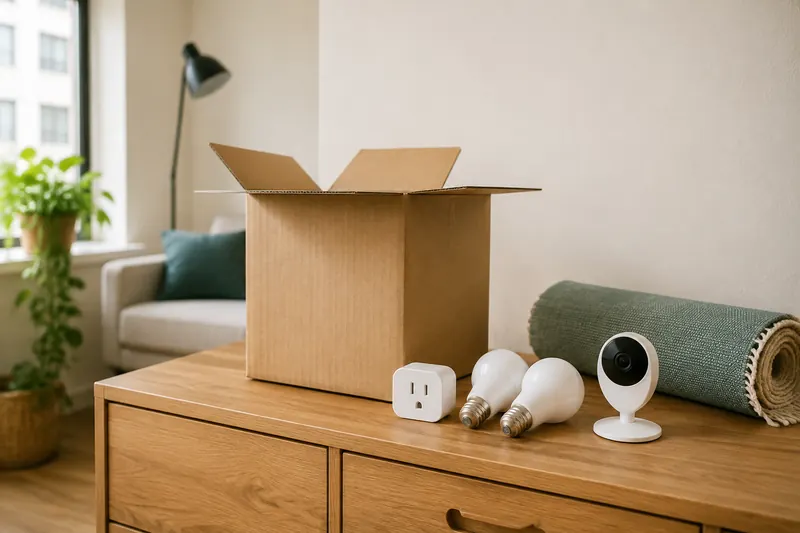
| Smart plug | Plugs into socket | Unplug | Yes |
| Smart bulb | Screws into fitting | Swap original back | Yes |
| Wireless light button | Adhesive to wall | Warm and peel | Yes |
| Security sensors | Adhesive strips | Warm and peel | Yes |
| Battery doorbell | Adhesive or clamp mount | Warm and peel | Usually — ask first |
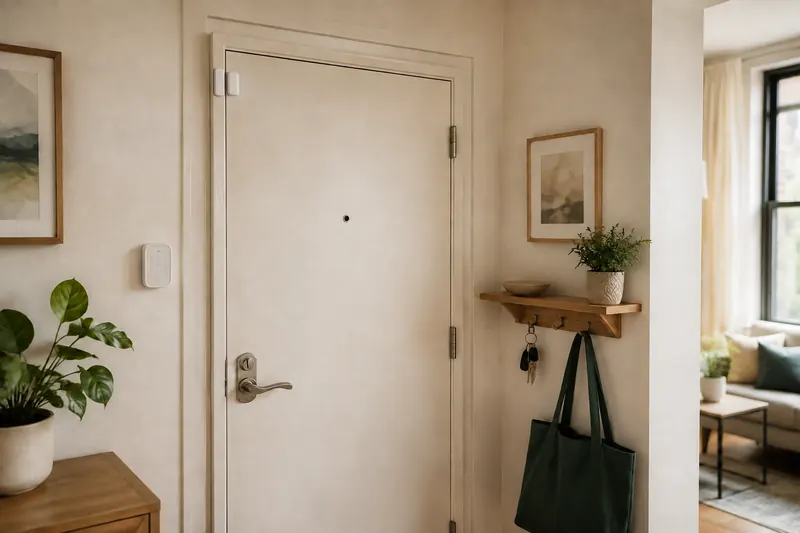
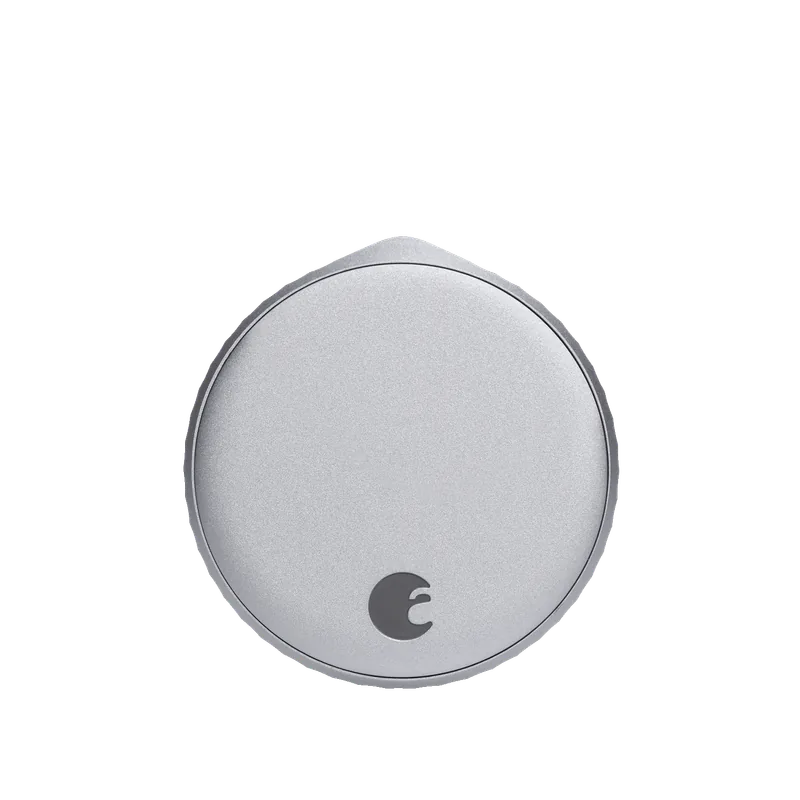
| Retrofit smart lock | Fits inside existing deadbolt | Unscrew, refit thumb turn | Yes |
| Battery camera (indoor) | Freestanding on shelf | Pick it up | Yes |
| Retrofit blind motor | Clips to existing blind | Unclip | Yes |
| Smart switch or dimmer | Replaces wall switch | Rewire | No |
| Wired doorbell | Existing doorbell wiring | Rewire | Usually not |
| Smart thermostat | Replaces existing thermostat | Refit original | Usually not |
| Wired camera | Cable through walls | Leaves holes | No |
Adhesive, done properly
Almost everything renter-friendly relies on adhesive, and most adhesive failures come from installation rather than the product.
Surface preparation. Clean with isopropyl alcohol, not household cleaner — most sprays leave a residue that defeats adhesion. Let it dry fully.
Temperature. Adhesive needs a surface above roughly 10 °C to bond. Sensors mounted on a cold window frame in January are the ones that fall off in March.
Pressure and time. Press firmly for thirty seconds, then leave it a full hour before hanging any weight on it. Most people skip this and wonder why it failed.
Removal. Warm the mount with a hairdryer for thirty seconds and pull the adhesive slowly parallel to the surface, not outward. Cold adhesive pulled outward takes paint and sometimes plaster with it — the single most common deposit deduction from smart home installations.
Before you hand back the keys
Do this a week before moving, not on the last day.
Factory reset everything. Cameras, locks, hubs, doorbells. Remove your account, delete all access codes, and clear stored footage before the device leaves your possession or is sold on.
Refit the originals. Bulbs, thumb turn, blind wand, thermostat if you replaced one with permission.
Remove adhesive with heat, then clean any residue with isopropyl alcohol.
Photograph everything once restored. Dated photographs are the most effective protection against a disputed deduction.
Cancel or transfer monitoring. Month-to-month plans make this trivial — which is exactly why they suit renters.
Frequently asked questions
What smart home devices can renters install?
Smart plugs, bulbs, adhesive security sensors, battery doorbells, retrofit locks, freestanding cameras and retrofit blind motors — all install and remove without a trace.
How do I remove adhesive mounts without damaging paint?
Warm the mount with a hairdryer for about thirty seconds, then pull the adhesive slowly parallel to the surface rather than outward. Cold adhesive pulled outward takes paint with it.
Can I replace a thermostat in a rental?
Usually not without permission — it modifies the building’s HVAC. A smart plug on a portable heater or AC unit gives scheduling with no modification.
What should I do before moving out?
Factory reset every device, refit original hardware, remove adhesive with heat, photograph the restored fittings, and cancel monitoring.