In this guide
The right thermostat has to control your heating and cooling correctly, including the features you already use. Start with the existing equipment and its documentation, then compare compatible models.
This guide covers the buying checks for primarily US residential systems. It is not a wiring diagram. Have an HVAC professional identify uncertain equipment or wiring; do not open or work on energized equipment to complete a shopping checklist.
Identify the control system before choosing a brand
Collect the model numbers of your existing thermostat, indoor equipment and outdoor unit from accessible labels or service paperwork. Note whether you have a furnace, boiler, heat pump, electric baseboard system, separate zones or a manufacturer-specific controller.
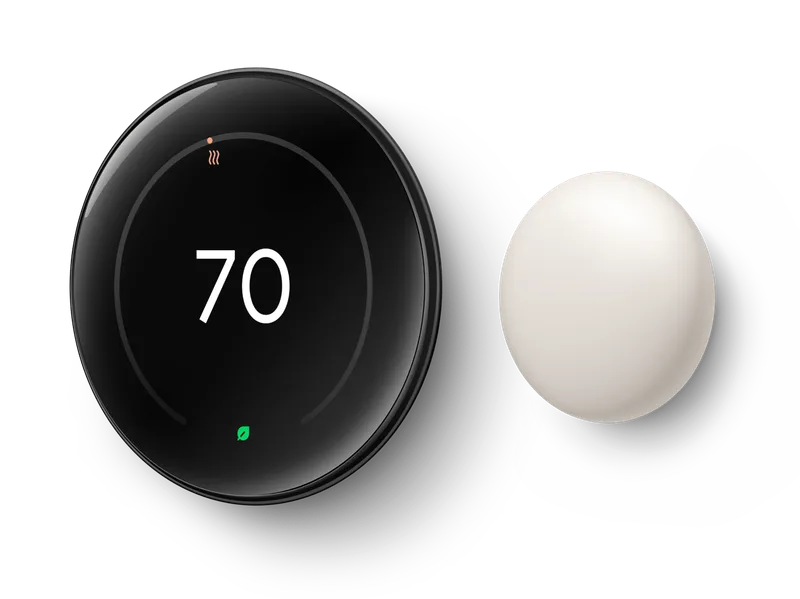
Control voltage matters. Google documents Nest compatibility mainly around supported low-voltage systems and excludes direct connection to high-voltage heating controls. It also identifies proprietary communicating systems as a separate compatibility issue. See the Nest compatibility guide; “smart thermostat” does not mean universal replacement.
A communicating controller may coordinate functions beyond a basic call for heat or cooling. Before replacing one, ask the equipment manufacturer or installer what would be retained or lost. For electric baseboard heat, investigate a thermostat designed for that system instead of assuming a conventional HVAC model will fit.
Match heating stages, cooling stages and heat-pump controls
Ask your technician to record the system configuration in plain language: the heating and cooling stages, whether the equipment is a heat pump, and any auxiliary or alternate heat. Use that complete description in the candidate thermostat’s checker.
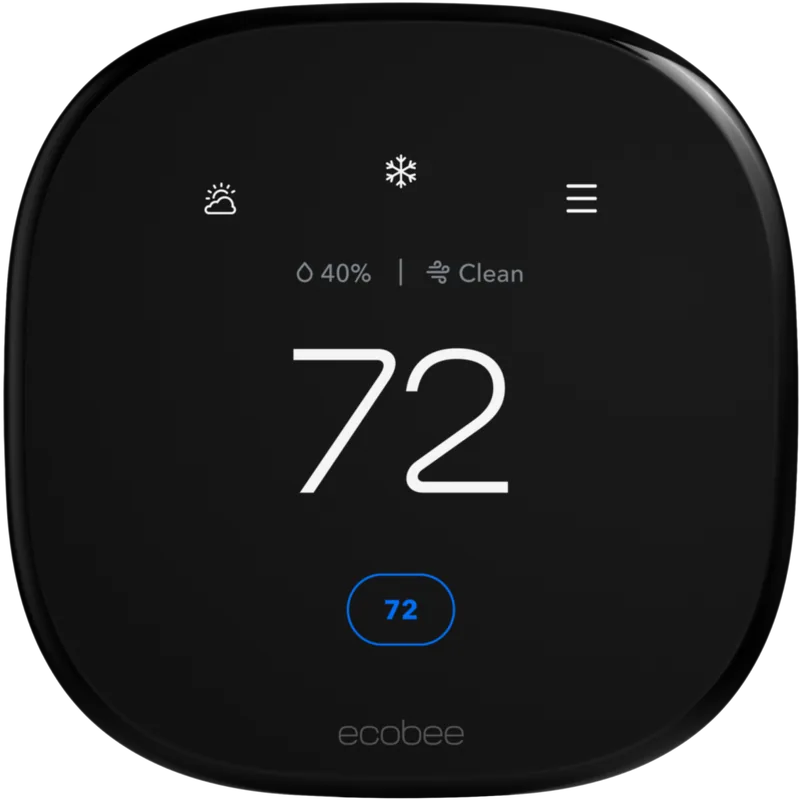
Models within one brand can support different combinations. ecobee’s Smart Thermostat Enhanced specifications list conventional and heat-pump arrangements separately, including auxiliary-heat support. Read the corresponding specification for each candidate rather than relying on a general brand comparison.
For a heat pump, ask how the reversing valve, auxiliary heat and any dual-fuel arrangement will be configured and verified. A thermostat that powers up is not proof that every operating mode is correct. Have the installer include functional checks and a description of the final setup in the handover.
Resolve C-wire power as part of the quote
The C wire is part of providing continuous thermostat power; it is not a heating or cooling command. Google’s C-wire guidance explains that some installations need a common wire or a compatible power accessory, with requirements depending on the thermostat and system.
Do not assume an unused wire is connected correctly at the equipment, or that a battery-backed display removes power requirements. Ask the installer to verify the available supply and specify the approved solution.
An adapter is not universal. The ecobee Smart Thermostat Essential installation page describes the separately sold Power Extender Kit and exclusions such as dual-transformer and communicating equipment. Include the exact accessory and installation labor in the quote, then confirm it supports the rest of your proposed configuration.
Do not overlook zones and HVAC accessories
List any humidifier, dehumidifier, ventilation equipment, zone-control panel or special fan control currently involved. Ask whether the new thermostat will operate each one directly, leave it on a separate controller or need additional approved hardware.
Power and accessory options can interact. ecobee’s professional installation guidance notes that using its Power Extender Kit with Smart Thermostat Enhanced removes accessory-control availability. That is the kind of configuration detail a generic “compatible” label can miss.
For multiple zones, assess each thermostat and the zone panel as a system. Do not assume every wall controller can be exchanged independently. Have the installer explain what happens when zones call for different temperatures, and whether the replacement changes any existing equipment protections or control features.
Run the exact-model checker and confirm the result
Use the manufacturer’s current compatibility tool, such as ecobee’s checker, with verified information. Save the result with your quote. Treat an uncertain result or a request to contact support as work to complete before ordering.
Terminal labels matter more than insulation colors. Google’s compatibility instructions explicitly tell buyers to use the labels rather than assume that a red or white wire has a particular function. Have a professional document unclear or unfamiliar connections.
Use the final approved model and configuration for installation. Google’s installation instructions emphasize obtaining a system-specific wiring diagram rather than copying an example. If the equipment details change during the visit, recheck compatibility before proceeding.
Ask for a complete installation and handover
- Written compatibility: thermostat model, equipment models, stages, heat-pump details, zones and accessories.
- Power plan: verified C-wire supply or the named approved alternative.
- Complete cost: thermostat, accessories, installation and any additional control work.
- Operating checks: supported heating, cooling, fan and accessory functions tested by the installer.
- Household controls: a demonstration of local temperature adjustment, schedules, holds and app access.
- Support: configuration record, warranty details and a contact for any problem after installation.
Once the technical fit is established, compare comfort features and daily use. Our smart thermostat shortlist and Nest versus ecobee comparison are the next step. Avoid replacing a working controller solely for an integration until the full HVAC arrangement is confirmed.
Sources and research scope
We checked the linked official documentation on September 13, 2026. This is a documentation-based guide; we did not conduct comparative hands-on testing or validate energy or financial savings. Read our editorial methodology.
Frequently asked questions
Does having a C wire guarantee compatibility?
No. Power is only one requirement. The thermostat must also support your control voltage, equipment configuration, heating and cooling stages, zones and accessories.
Can a smart thermostat control a heat pump?
Some models can, within specific configurations. Verify the heat-pump stages, auxiliary or alternate heat and exact thermostat model together. Have an HVAC professional confirm setup and operation.
Should I choose the thermostat before booking an installer?
You can shortlist models first, but have the system and installation requirements confirmed before purchasing a nonreturnable unit. An installer can identify compatibility limits and include necessary accessories in one quote.