In this guide
Smart locks divide cleanly into two categories, and they suit different people entirely. Retrofit locks fit over your existing deadbolt and change nothing outside. Replacement deadbolts swap the whole mechanism for something with a keypad.
Renters need the first. Owners can choose either, and usually want the second.
| Pick | Best for | Score | Type | Keeps your keys |
|---|---|---|---|---|
| August | Best retrofit lock | 4/5 | Retrofit | Yes |
| Yale Assure Lock 2 | Best keypad deadbolt | 4.5/5 | Full deadbolt | Model dependent |
| Schlage Encode Plus | Best build quality | 4.4/5 | Full deadbolt | Yes (keyed) |



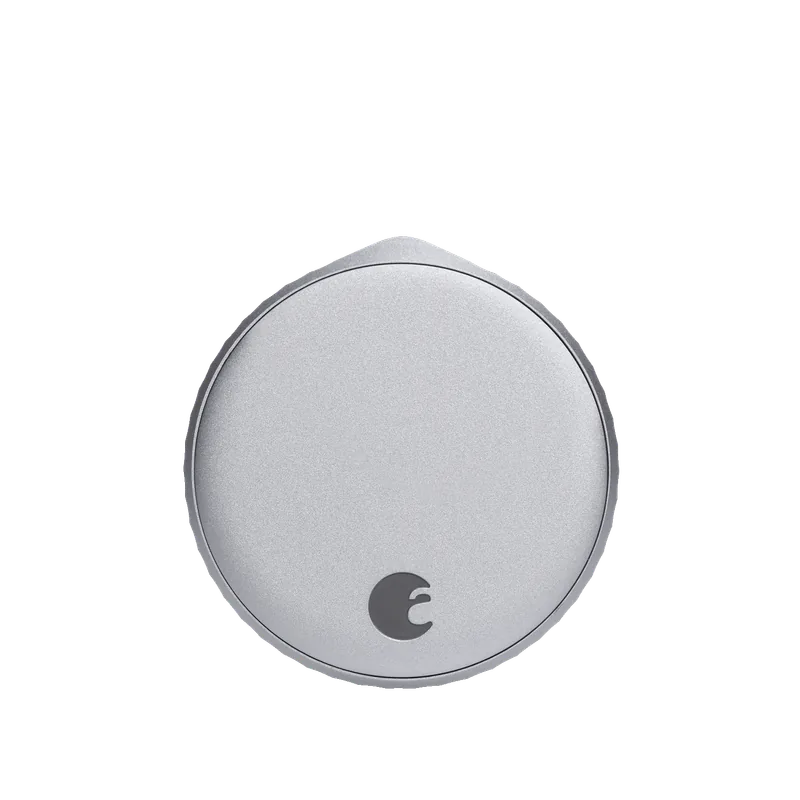
1. August — Best retrofit lock
Why it wins: Fits inside your existing deadbolt. Nothing changes outside, your keys still work, and removal leaves no trace.
For renters this is usually the only viable option, and it is a good one. Auto-unlock on approach is the feature owners end up loving — walking up with full hands and hearing the deadbolt retract.
Watch out for: it is bulky inside, battery life is shorter than keypad deadbolts, and most models have no keypad without an add-on.
What we like
- Exterior hardware and existing keys unchanged
- Fully reversible — ideal for renters
- Auto-unlock on approach works well once tuned
What to watch
- Bulky on the interior side
- Shorter battery life than deadbolts
- No built-in keypad on most models
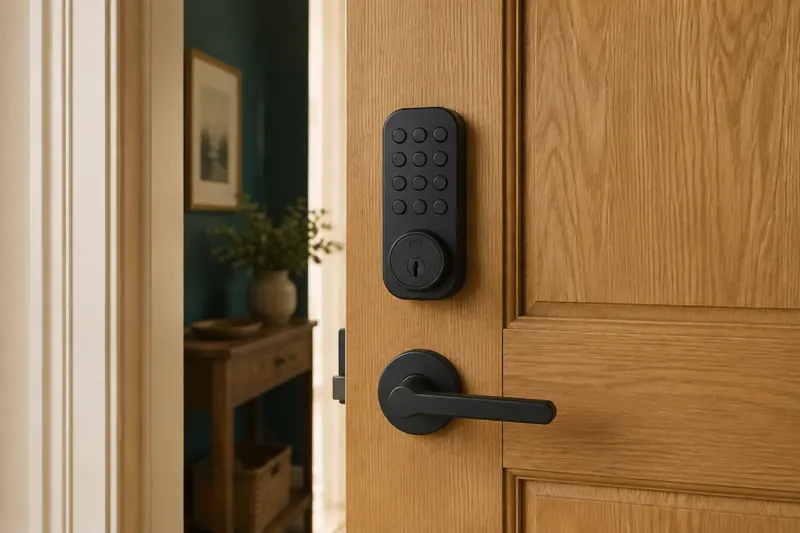
2. Yale Assure Lock 2 — Best keypad deadbolt
Why it wins: The most refined keypad deadbolt available, in key-free and keyed versions, with Matter support on some models.
If you own your home and can change the hardware, a keypad deadbolt is the better product. Codes are more practical than phones for daily use, you can issue temporary codes to cleaners or guests, and battery life is considerably longer than retrofit models.
Yale’s current range is the most polished, with a genuinely key-free option for those who want to remove the lock cylinder as an attack surface entirely.
What we like
- Keypad entry is more practical than phone-only
- Key-free option removes the cylinder attack surface
- Long battery life and clean industrial design
What to watch
- Requires replacing exterior hardware — not renter-friendly
- More expensive than retrofit locks
- Matter support varies by model
3. Schlage Encode Plus — Best build quality
Why it wins: ANSI Grade 1 security rating — the highest residential grade — with Wi-Fi built in and no separate bridge.
If physical security is the priority rather than convenience, Schlage is the answer. The ANSI Grade 1 rating means it has passed the toughest residential testing for forced entry and durability, which most smart locks have not.
Wi-Fi is built in, so there is no bridge to power and maintain.
What we like
- ANSI Grade 1 — the highest residential security rating
- Wi-Fi built in, no separate bridge required
- Robust mechanism that outlasts most competitors
What to watch
- Bulkier than rivals
- Built-in Wi-Fi consumes batteries faster
- Higher price
Check your door before you buy anything
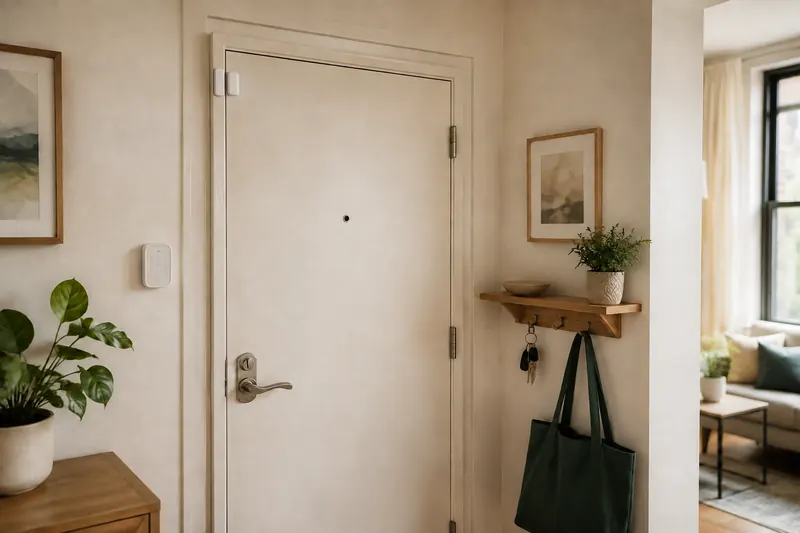
More smart lock returns come from door problems than from the locks themselves. Four checks, five minutes.
Backset. The distance from the door edge to the centre of the bore hole — almost always 2⅜ or 2¾ inches. Most locks handle both, but confirm.
Door thickness. Standard is 1⅜ to 1¾ inches. Thicker doors, common in older or custom builds, need an extension kit.
Alignment. This is the big one. If you have to lift or push the door to turn the key, the deadbolt is binding. A human can force it; a small motor cannot. Fix the alignment first — usually by adjusting the strike plate — or the lock will fail repeatedly and drain batteries.
Existing deadbolt quality (retrofit only). A retrofit lock inherits whatever it is fitted to. A worn or stiff deadbolt will defeat it.
The security question people ask
“Is a smart lock less secure than a normal one?”
Physically, generally no. The deadbolt mechanism is the same; a Grade 1 smart deadbolt resists forced entry as well as a Grade 1 mechanical one. The realistic attack on any residential door is a kicked frame or a broken window, and neither cares what lock you fitted.
The new attack surface is digital, and it is worth taking seriously in a mundane way: use a unique password on the lock account, enable two-factor authentication, delete codes for people who no longer need access, and keep firmware updated. These are the things that actually matter, not exotic hacking scenarios.
The genuine benefit is auditability. You know when the door opened and which code did it — something a mechanical lock cannot tell you.
Batteries and what happens when they die
Every smart lock runs on batteries, and every one will eventually run out.
All the locks here warn well in advance, usually for weeks. All keyed models retain a physical key override. Key-free models typically offer external battery terminals so you can hold a 9V battery against contacts to power the lock long enough to enter a code.
Practical advice: keep a physical key somewhere accessible but not obvious, change batteries when warned rather than when they fail, and use lithium cells in cold climates — alkalines lose capacity sharply below freezing.
Frequently asked questions
Can renters install a smart lock?
Yes, with a retrofit model like August that fits inside the existing deadbolt. Exterior hardware and keys are unchanged and removal leaves no trace.
Are smart locks secure?
Physically, comparable to mechanical locks of the same grade. The new risk is account security — use a unique password, enable two-factor authentication, and remove old codes.
What happens if the batteries die?
You get weeks of warning. Keyed models retain a physical key; key-free models usually have external terminals to jump-start with a 9V battery.
Will a smart lock fit my door?
Check backset, door thickness and alignment. If you have to lift or push the door to turn the key, fix the strike plate first — a motor cannot force a binding bolt.