In this guide
The industry has converged on a model: cheap hardware, permanent subscription. It is excellent for vendors and expensive for you. Four cameras on a $10-per-month plan is $600 over five years, on top of the hardware.
You can avoid that entirely. What follows is what genuinely works with no recurring cost, and an honest account of the trade-offs — because there are real ones.
| Pick | Award | Score | Monthly | Contract |
|---|---|---|---|---|
| Eufy | Best subscription-free cameras | 4/5 | $0 (optional cloud from ~$3) | None |
| SimpliSafe | Best system that works unmonitored | 4.6/5 | $0–$79.99 | None |
| Wyze | Cheapest subscription-free option | 3.6/5 | $0–$10 | None |
| Abode | For basic self-monitoring | 4.1/5 | $0–$25 | None |




1. Eufy — Best subscription-free cameras
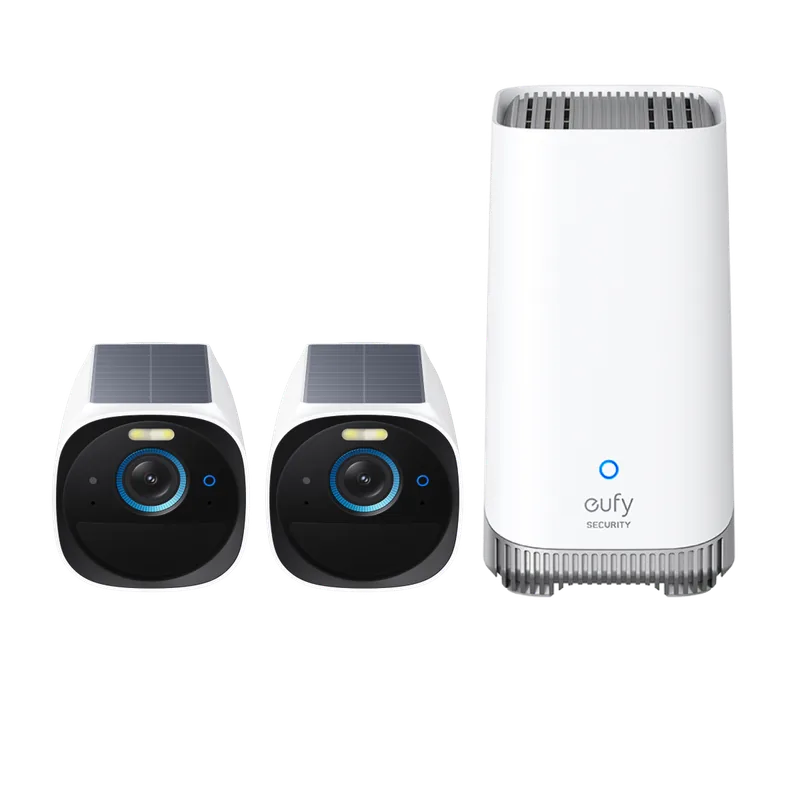
Why it wins: Records to a HomeBase in your home. No monthly fee, months of battery life, and on-device person detection that keeps working offline.
Eufy is the most credible mainstream answer to subscription fatigue. Footage stays local, playback is fast, and detection runs on the device rather than in a data centre.
The trade-off: if a burglar takes the HomeBase, the footage goes with it. Hide it away from entry points and cover it with a camera. Note also the 2023 disclosure that some data reached the cloud despite local-storage marketing — corrected, but worth reading about in our Eufy review.
What we like
- Genuinely no required subscription — local storage on the HomeBase
- Excellent battery life, often measured in months
- On-device AI for person, pet and vehicle detection
What to watch
- A 2023 disclosure showed some streams reached the cloud contrary to marketing
- Professional monitoring options are limited
- HomeBase is a single point of failure for the whole system
2. SimpliSafe — Best system that works unmonitored
Why it wins: The free option retains remote app arming and live camera views over the internet, with paid plans available when needed.
SimpliSafe documents remote app arming/disarming and live camera views without a subscription. A free setup does not include professional dispatch, cellular backup or saved video.
You can add a monthly plan when your needs change. Self-Monitoring with Camera Recordings costs $9.99/month, while professional dispatch starts with Standard at $22.99/month.
The trade-off: do not assume that free use includes every remote alert or backup feature. Compare the documented plan features before relying on it.
What we like
- Month-to-month monitoring with no long-term contract
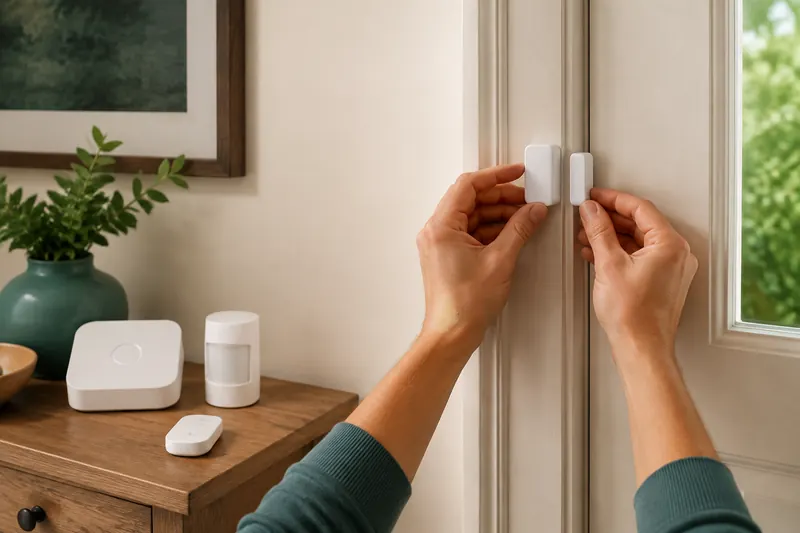
- Adhesive sensor mounting supports DIY installation
- Outdoor agent coverage on Pro overnight or Pro Plus around the clock
What to watch
- Home automation is minimal compared with Vivint or a Hubitat-style setup
- Camera line-up is smaller than Ring or Arlo
- Outdoor agent coverage starts at $49.99/month and requires eligible cameras
3. Wyze — Cheapest subscription-free option
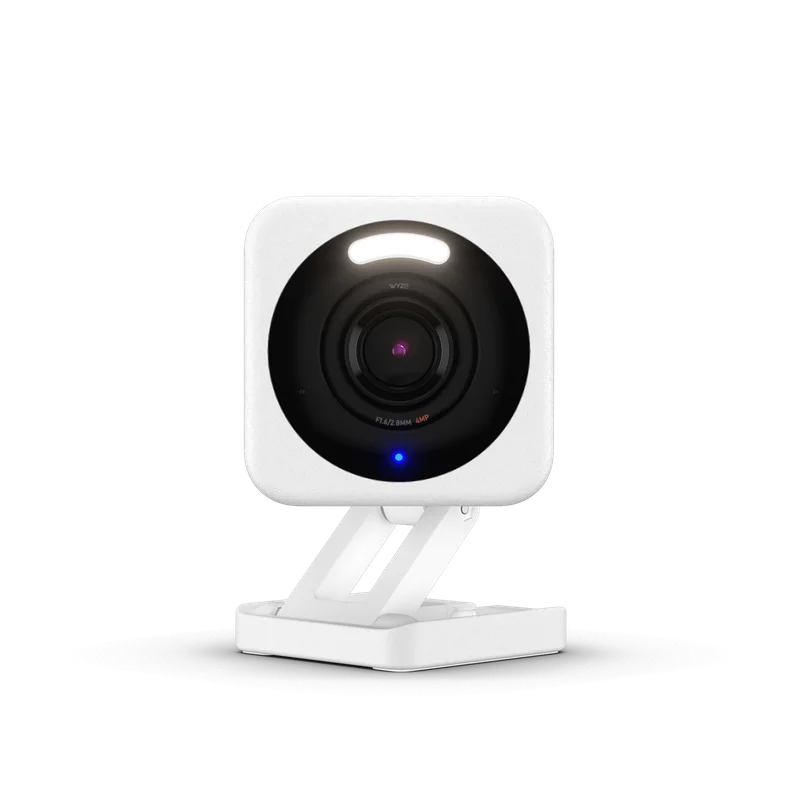
Why it wins: Records to a microSD card with no subscription, at roughly $30 a camera.
Nothing else costs this little. Local microSD recording without a fee is genuine, and for a garage or a driveway it is hard to argue with.
The trade-off, and it is significant: Wyze has had repeated security incidents, including two in which users saw other households’ footage. We would not use these indoors. Read the full record in our Wyze review before buying.
What we like
- Extremely low hardware cost — cameras start around $30
- Local microSD recording with no subscription required
- Professional monitoring at roughly a third of typical market price
What to watch
- Repeated security incidents, including cross-account image exposure in 2023–24
- Delayed disclosure of a known camera vulnerability
- Build quality and support reflect the price
4. Abode — For basic self-monitoring
Why it wins: An alarm with basic self-monitoring and optional paid upgrades.
The free tier excludes recordings and CUE automation. Check the Abode plan requirements before choosing it for a subscription-free setup.
What we like
- Genuine Apple Home support, which most competitors lack
- Compatible Z-Wave and Zigbee devices on supported hubs
- Optional professional monitoring with Pro
What to watch
- Setup rewards patience; it is not a 20-minute system
- Smaller company than the majors, with a smaller support organisation
- First-party cameras are middling
What you actually give up
Skipping subscriptions is a reasonable choice, but it is a choice with consequences. Here they are plainly.
| Capability | With subscription | Without |
|---|---|---|
| Police dispatched if you cannot be reached | Yes | No |
| Cloud backup if hardware is stolen | Yes | No (local storage only) |
| Video history beyond local capacity | Weeks or months | Limited by card or drive size |
| Advanced detection (faces, packages) | Usually | On-device only, brand dependent |
| Cellular backup during outage | Usually | Often not |
| Insurance discount eligibility | Commonly | Usually not |
The two that matter most are professional dispatch and cellular backup. If nobody answers your phone during a break-in, an unmonitored system produces a noise and a notification, and that is all.
The five-year arithmetic
Here is why this is worth thinking about at all.
| Setup | Hardware | Five-year fees | Total |
|---|---|---|---|
| Eufy, 4 cameras + HomeBase | ≈ $600–$900 | $0 | ≈ $600–$900 |
| Wyze, 4 cameras + microSD | ≈ $150–$250 | $0 | ≈ $150–$250 |
| Ring, 4 cameras + top plan | ≈ $400–$600 | ≈ $1,200 | ≈ $1,600–$1,800 |
| Arlo, 4 cameras + Secure | ≈ $600–$1,000 | ≈ $900–$1,500 | ≈ $1,500–$2,500 |


Note that the Ring figure includes 24/7 alarm monitoring, which the subscription-free options do not provide at all. That is the honest comparison: you are not buying the same thing.
A sensible hybrid
The approach we most often suggest is not all-or-nothing.
Run local-storage cameras for general coverage — driveway, garden, side gate — with no subscription. Then pay for one thing only: professional alarm monitoring, or cloud backup on the single most important camera.
That typically costs $10–$20 a month instead of $30–$50, and keeps the two capabilities that genuinely matter: someone dispatches help if you cannot be reached, and the critical footage survives if the hardware is stolen.
Frequently asked questions
Can home security work with no monthly fee?
Yes. Local-storage cameras and unmonitored alarms can avoid a monthly fee. SimpliSafe’s free option includes remote app arming and live camera views, but not professional dispatch, cellular backup or saved recordings. Check the functions you need before choosing a free setup.
What is the catch with no-subscription cameras?
Footage is stored in your home, so theft of the storage device destroys the evidence. There is also no professional monitoring, and advanced detection is limited to what runs on the device.
Is self-monitoring enough?
For many households, particularly flats with neighbours close by, yes. It is weaker if you travel, sleep heavily, or are often unreachable — which is exactly when professional monitoring earns its cost.
Do insurers give discounts for unmonitored systems?
Usually not. Most discounts require professional monitoring. Ask your insurer what documentation they accept before assuming either way.