In this guide
Most camera comparisons obsess over resolution. Resolution stopped being the limiting factor years ago — every camera here is sharp enough to show you what happened.
What separates them is what happens after the sensor: how well the camera decides whether to notify you, where the footage goes, and what it costs to keep it there.
| Pick | Best for | Score | Subscription | Storage |
|---|---|---|---|---|
| Arlo | Best image quality | 4/5 | Arlo Secure (from ~$8) | Cloud (local on some) |
| Google Nest | Best notifications | 4.1/5 | Nest Aware (per household) | Cloud |
| Eufy | Best with no subscription | 4/5 | None required | Local (HomeBase) |
| Ring | Best value with monitoring | 4.3/5 | Ring Protect (from ~$5) | Cloud |




1. Arlo — Best image quality
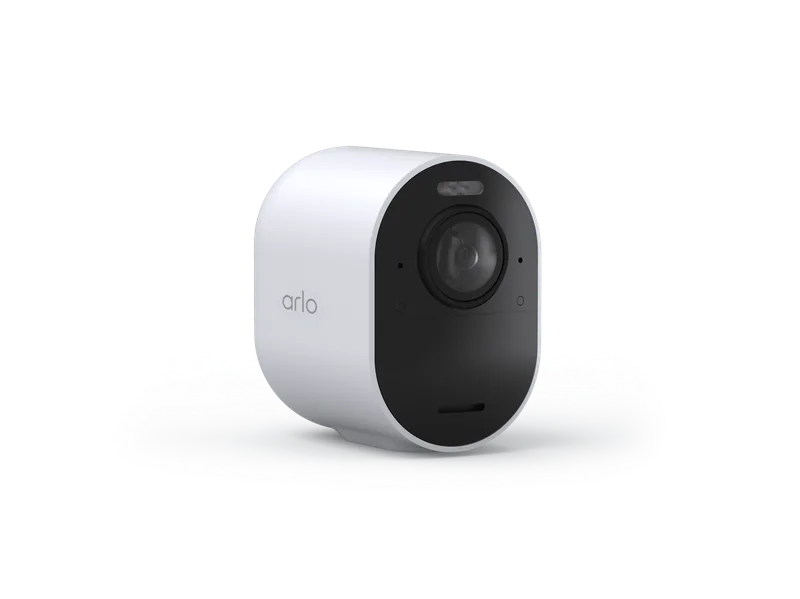
Why it wins: 2K and 4K options with colour night vision that can genuinely identify a face or a plate at distance.
When the footage has to be evidence rather than a curiosity, resolution starts to matter again. Arlo’s 4K models resolve detail at distance that 1080p cameras turn to mush, and colour night vision means “a red hoodie” instead of “a dark shape”.
Genuinely wire-free mounting opens positions other cameras cannot reach.
What we like
- Best image quality available, up to 4K
- True wire-free mounting anywhere
- Excellent colour night vision
What to watch
- Subscription effectively mandatory
- Pricing has risen repeatedly
- Batteries need periodic recharging
2. Google Nest — Best notifications
Why it wins: Familiar faces and package detection mean you get alerts worth reading rather than alerts you learn to ignore.
The best camera is the one whose notifications you still have switched on six months later. Nest’s filtering is the reason people do.
Newer models run detection on-device, so alerts are fast and basic detection survives an internet outage. Nest Aware covering the whole household makes it unusually good value beyond three cameras.
What we like
- Best notification filtering in the category
- One subscription covers every camera
- On-device detection works during outages
What to watch
- Face detection restricted in some jurisdictions
- Very limited local storage
- Narrow product range
3. Eufy — Best with no subscription
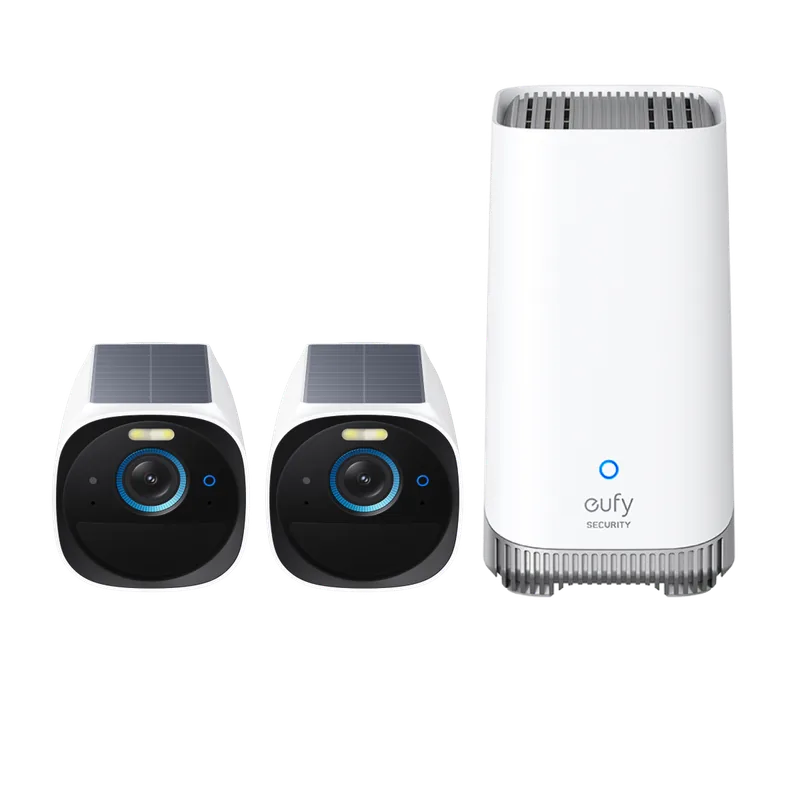
Why it wins: Local storage on a HomeBase, months of battery life, and accurate on-device detection — with no monthly fee at all.
Over five years, subscriptions often cost more than the cameras. Eufy removes that entirely while remaining genuinely good hardware — long battery life, accurate detection, clever dual-lens models.
Read our Eufy review on the 2023 cloud-upload disclosure before deciding.
What we like
- No subscription required
- Class-leading battery life
- Accurate on-device person, pet and vehicle detection
What to watch
- HomeBase theft means footage loss
- 2023 disclosure about cloud uploads
- App less polished than rivals
4. Ring — Best value with monitoring
Why it wins: Unlimited camera recording plus 24/7 alarm monitoring on one plan for around $20 a month.
If you want cameras and a monitored alarm, Ring is the cheapest credible route by a clear margin. The camera range is the widest here, and the app is the most refined.
What we like
- Widest camera range at consumer prices
- Top plan bundles unlimited cameras and alarm monitoring
- Deepest Alexa integration
What to watch
- No recording without a subscription
- No local storage on most devices
- Footage stored with Amazon
How many cameras do you actually need?
Fewer than the marketing implies. Most homes are well covered by three or four, placed deliberately.
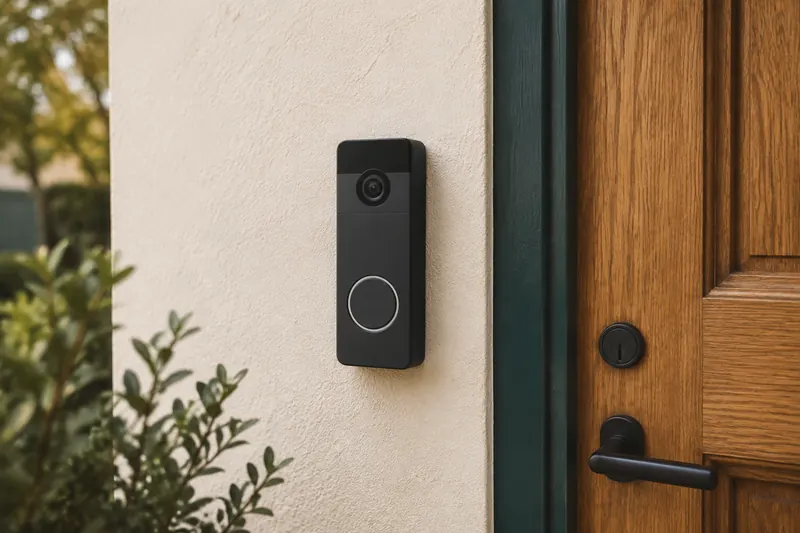
- The front door. A doorbell usually covers this. It is the entry point in most burglaries and the source of most parcel problems.
- The back or side door. Statistically the most likely forced-entry point, because it is hidden from the street. If you buy one non-doorbell camera, put it here.
- The driveway or approach. Catches vehicles and gives earlier warning than a door camera.
- One interior camera covering the main circulation route, if you want it.
Cameras pointing at fences, empty lawns or the sky produce notifications and nothing else.
Placement mistakes that ruin footage
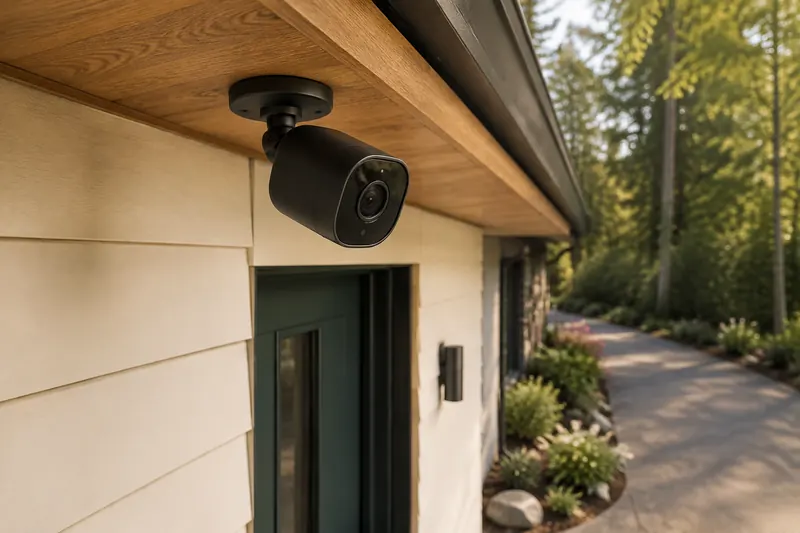
Mounting too high. The instinct is to put cameras out of reach at 12 feet. At that height you get an excellent view of the top of someone’s head. Eight to nine feet is high enough to be awkward to tamper with and low enough to capture a face.
Pointing into the sun. A camera facing east or west will be blinded at dawn or dusk — reliably, twice a day, at exactly the hours that matter. Check the orientation before drilling.
Shooting through glass. An indoor camera pointed out of a window will reflect its own infrared at night and produce a white wall. If you must, disable night vision and rely on exterior lighting.
Ignoring the field of view. A 130° lens at 10 feet covers a lot of ground and resolves very little of it. For identification, mount closer and narrower; for overview, wider and further.
The five-year cost nobody quotes
| 4-camera setup | Hardware | Five-year subscription | Total |
|---|---|---|---|
| Eufy + HomeBase | ≈ $600–$900 | $0 | ≈ $600–$900 |
| Ring + top plan | ≈ $400–$600 | ≈ $1,200 | ≈ $1,600–$1,800 |
| Nest + Nest Aware | ≈ $600–$900 | ≈ $600–$1,200 | ≈ $1,200–$2,100 |
| Arlo + Secure | ≈ $600–$1,000 | ≈ $900–$1,500 | ≈ $1,500–$2,500 |
Subscription cost regularly exceeds hardware cost. It should be part of the purchase decision, not a surprise in year two.
Frequently asked questions
What is the best security camera overall?
It depends on priority: Arlo for image quality, Nest for notification intelligence, Eufy for no subscription, Ring for value with monitoring included.
How high should I mount a security camera?
Eight to nine feet. Higher is out of reach but only captures the top of someone’s head, which is useless for identification.
Do security cameras work without internet?
Local-storage cameras like Eufy keep recording. Cloud cameras generally stop recording and cannot notify you, though some retain on-device detection.
Can I put a camera behind a window?
You can, but expect poor results at night — infrared reflects off the glass. Disable night vision and rely on exterior lighting, or mount outside.